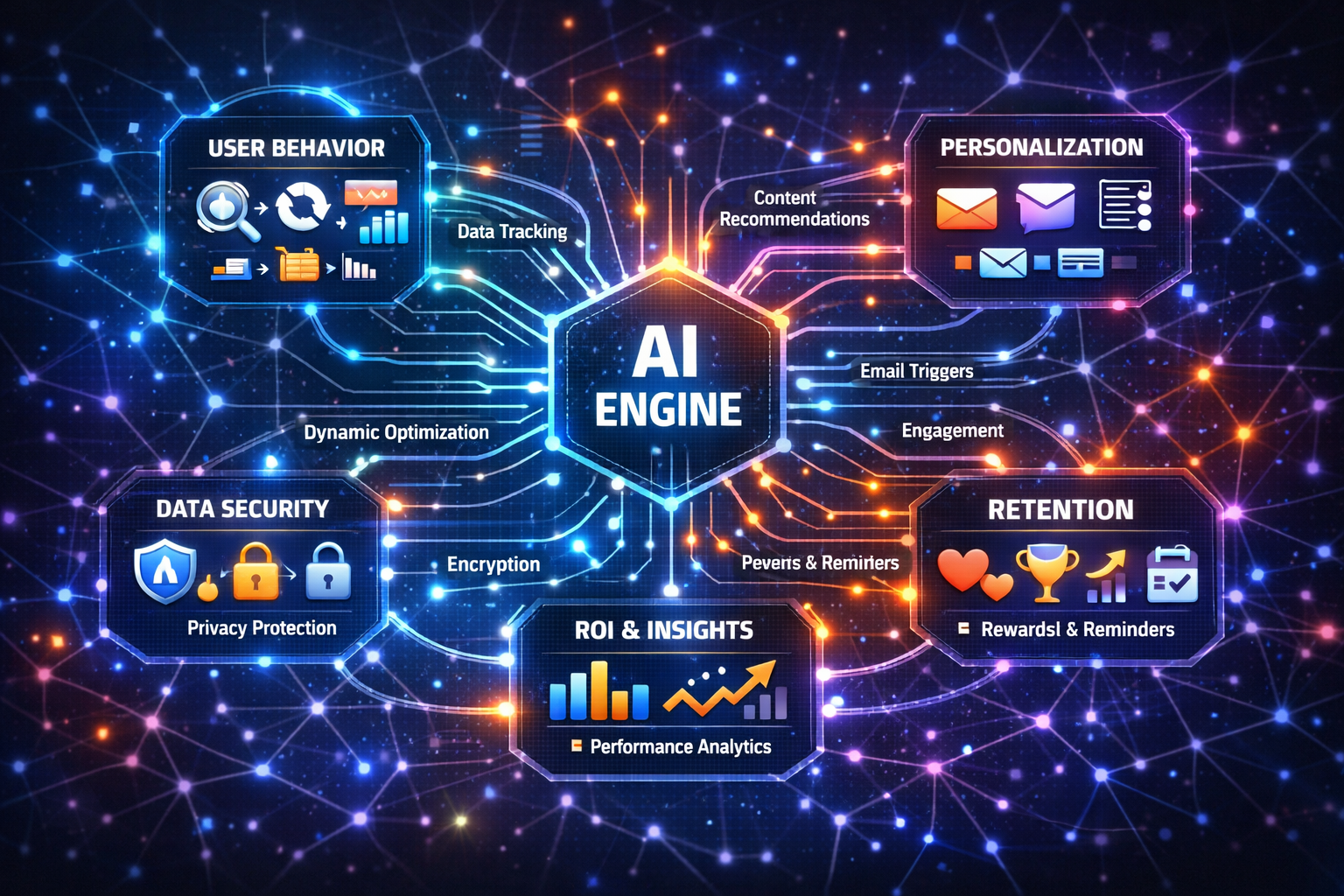
Teachers today face mounting demands to provide timely, personalized feedback to students while managing classroom instruction and administrative duties. While much attention has been given to automating lesson planning or administrative workflows, a less-covered yet impactful opportunity is leveraging AI to streamline and enrich student feedback loops. This article focuses on practical AI operations that help teachers efficiently gather, analyze, and respond to student work and reflections—strengthening learning outcomes with clear, actionable AI workflows.
Student feedback is essential for learning progress, but it is often time-consuming and repetitive when done manually. Many teachers struggle to provide detailed, individualized feedback at scale, leading to delays or generic responses. AI can assist by automating routine aspects of feedback collection and initial analysis, freeing educators to focus on high-value, personalized guidance.
This targeted use of AI addresses a notable content gap: while general AI tools for teaching exist, few resources show how to implement task-relevant AI workflows that support the full feedback cycle—from student submission to teacher response.
A task-relevant AI workflow focuses specifically on the feedback loop. Below is a practical example of such a workflow:
Imagine a middle school language arts teacher managing essays from 30 students weekly. Using a simple AI workflow:
This workflow reduces the initial manual review time while maintaining personalized engagement and data-driven insight.
Teachers interested in implementing this approach should start by identifying the most time-consuming feedback tasks in their routine. Next, explore AI tools offering NLP-based analysis or feedback generation compatible with your teaching platform. Pilot the workflow on a small scale, gather student and teacher feedback, then iterate for improvement.
For a broader understanding of AI workflows tailored to educators, consider exploring practical AI development for teachers on SurveySport.
Leveraging AI to enhance student feedback loops is a practical, actionable step for teachers seeking to improve both efficiency and learning quality. By automating routine aspects of feedback collection and preliminary analysis, educators gain more time for meaningful interaction and targeted support. The key is adopting clear, task-relevant AI workflows that respect teacher expertise and focus on measurable improvements in classroom outcomes.
Start small, prioritize transparency, and measure impact—this approach transforms AI from a buzzword into a valuable classroom partner.
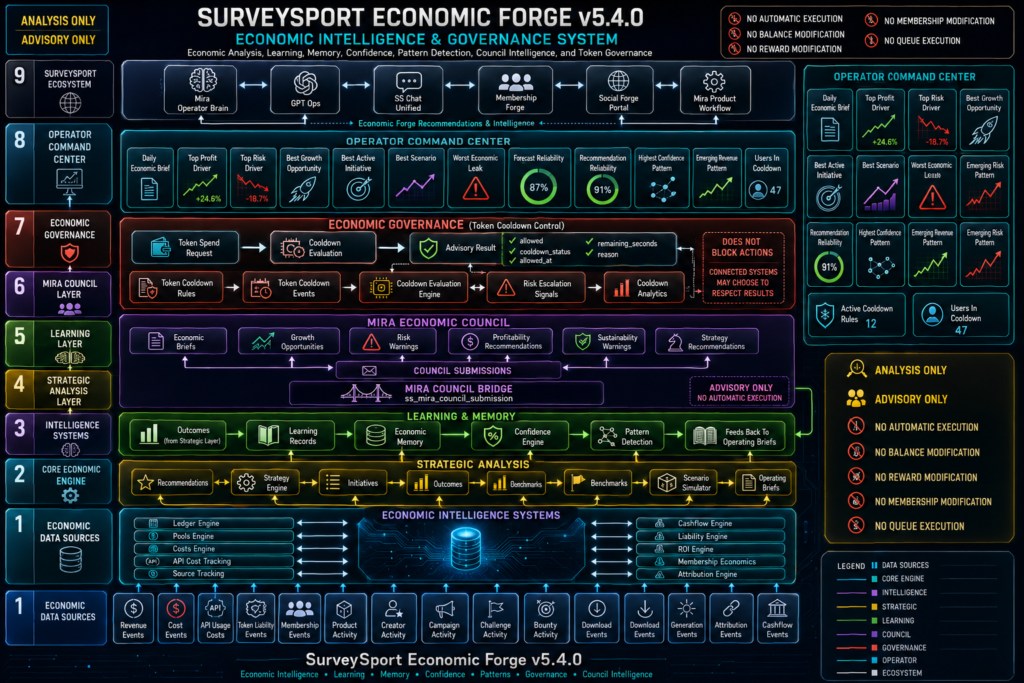
Running an educational membership site or digital product network means juggling content creation, community engagement, and recurring revenue goals—all often with a small or no team. What if you could deploy automated AI workflows to generate premium downloadable assets on demand, accelerating your revenue without adding overhead? This article explains practical AI operations designed for membership site owners, course creators, and community leaders who want to streamline their content pipeline with AI-driven drafting engines and blueprints.
Membership site owners face unique operational pain points that often limit growth and productivity:
These challenges create friction that slows down revenue growth and member satisfaction.
Automated AI blueprints and drafting engines are task-specific AI workflows designed to generate niche-relevant digital products with minimal manual input. For example, an AI workflow can:
By deploying these AI workflows, membership site owners can rapidly expand their asset libraries, meeting audience demand with less human labor and faster turnaround.
Consider a course creator managing a membership site focused on personal development. Traditionally, producing monthly printables for members might require days of work or outsourcing. Using an AI blueprint, the creator can:
This approach scales content production, enabling community leaders to focus on strategic growth rather than repetitive design tasks.
To implement automated AI blueprints effectively, membership site owners should adopt clear, task-relevant AI workflows that align with their operational goals. Here are practical steps to get started:
Choose niches or themes based on marketplace discovery data like trending moon ritual journals or underserved substitutes such as no-prep SEL reflection pages. Prioritize assets with high bundle and viral potential to maximize impact.
Use AI tools designed for content generation that allow customization for style, format, and niche. These engines can produce initial drafts of journals, cards, or planners ready for review and export.
Connect your AI drafting engine with your membership platform’s content management system to automate upload and distribution of new assets. This reduces manual steps and speeds up delivery to members.
Track engagement metrics and recurring revenue growth linked to AI-generated asset drops. Use feedback to refine AI prompts and asset themes, ensuring continued relevance and member satisfaction.
To deepen your understanding of AI operations tailored to educational membership sites and course creators, explore these well-structured resources:
Yes. Many AI tools offer user-friendly interfaces that don’t require coding skills. The key is defining clear prompts and integrating workflows with your existing platform.
AI drafts provide a strong starting point but should be reviewed and customized to match your brand voice and audience preferences. This blend ensures professional, unique content.
AI is best used as a productivity tool to assist creators, not replace them. It handles repetitive tasks, freeing you to focus on strategy, engagement, and personalized member support.
Assets like journals, affirmation cards, worksheets, planners, and printable coupons are ideal since they follow structured formats and can be adapted easily with AI.
For educational membership site owners and course creators, automated AI blueprints offer a practical path out of content bottlenecks and scaling challenges. By incorporating task-relevant AI workflows, you can generate premium downloadable assets efficiently—boosting member engagement and recurring revenue without expanding your team. Start by selecting niche themes with proven demand, deploy AI drafting engines tailored to your marketplace, and create a repeatable content production cycle that supports your business growth.
Ready to build your calm routine and accelerate your membership site’s productivity? Explore the practical AI workflows resource to take your first measurable step today.
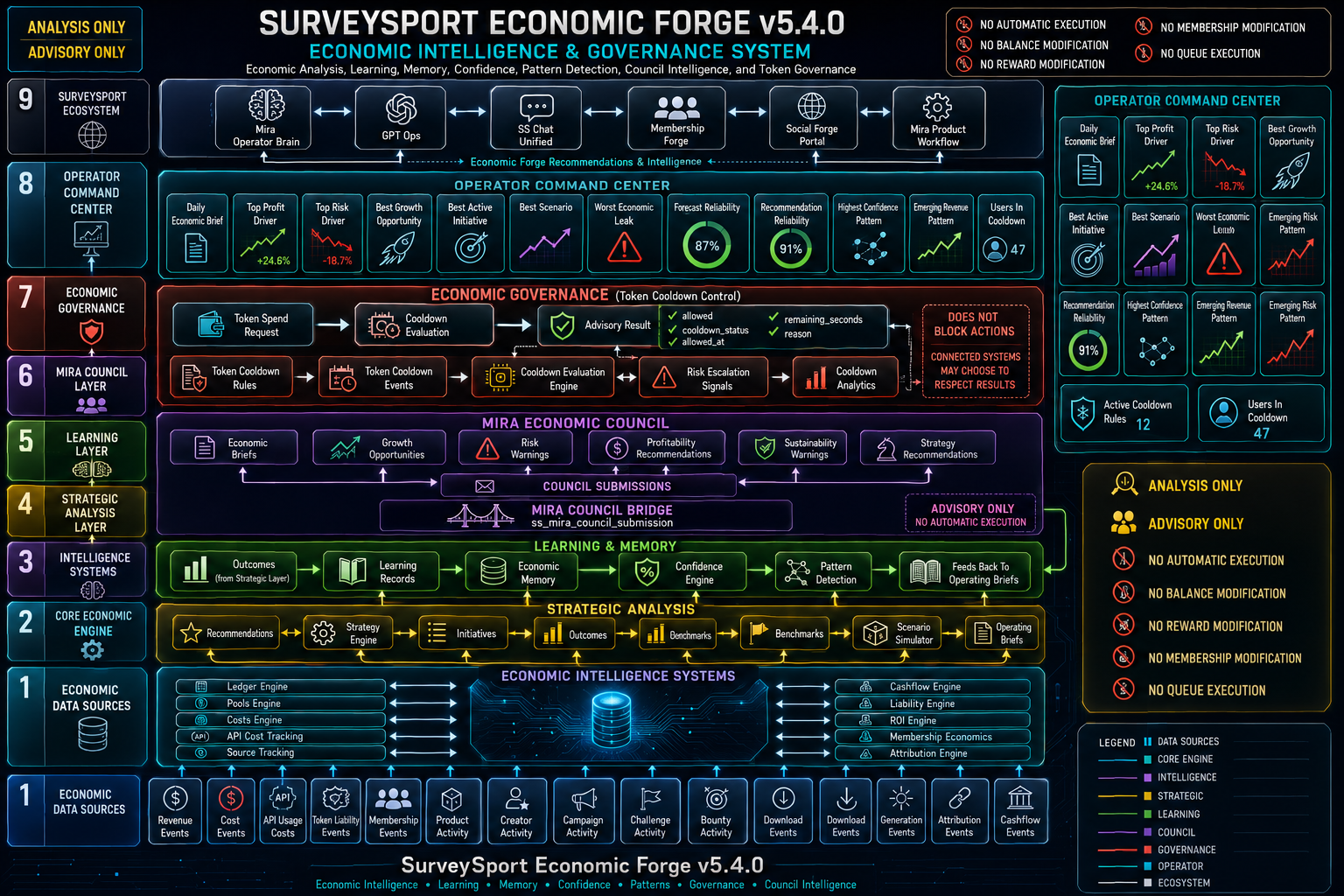
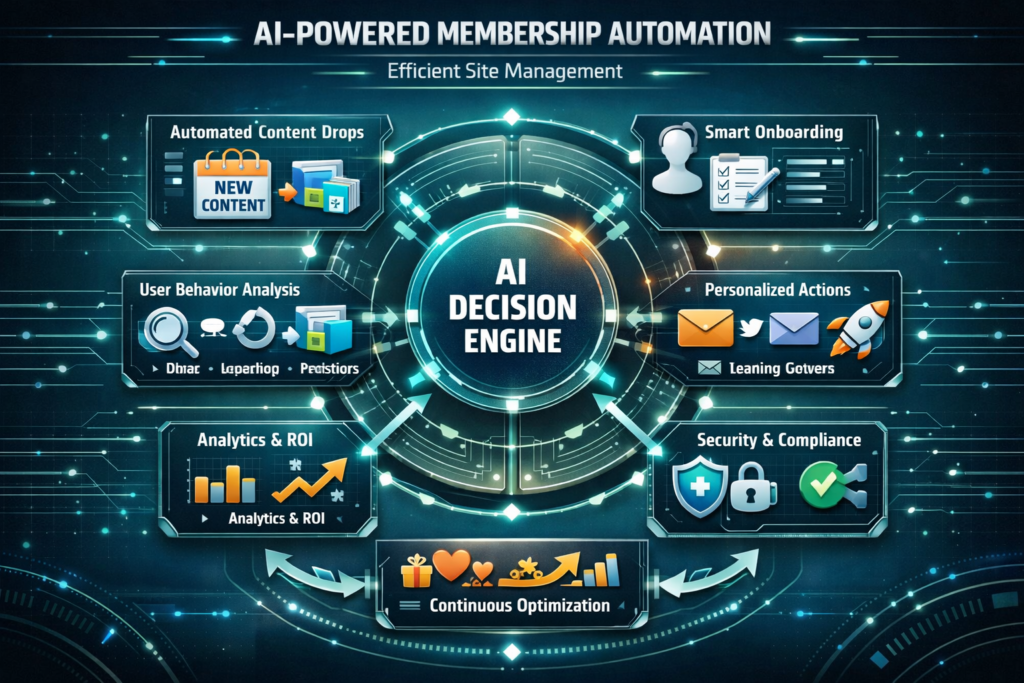
Teachers often juggle many roles—from lesson planning and student engagement to administrative paperwork. Using tailored AI development can help automate routine tasks, create clear workflows, and free up valuable time. This article explains practical AI operations in plain language, focused on real classroom use cases, so educators can understand and implement AI tools effectively.
AI is not just a buzzword; it can solve everyday problems like managing student data, automating reminders, and supporting classroom management. Practical AI operations focus on automating specific tasks that teachers perform repeatedly, reducing manual effort while improving accuracy and consistency. This means more time for teaching and less time on admin.
Developing AI workflows means designing automated processes that handle defined tasks. For example, an AI agent could:
These workflows streamline daily routines and support teachers in creating a more organized classroom environment.
Think of an AI agent as a digital helper that completes specific jobs when you ask. For example, instead of manually tracking attendance and rewards, an AI agent can log attendance, update records, and even print reward coupons automatically. Automation connects these steps into a workflow, so tasks happen smoothly without extra effort.
Substitute teachers often face the challenge of managing classrooms without established routines. An AI system can provide a calm-down kit workflow: when a substitute logs in, the AI sends printable SEL reflection pages and calm-down activity prompts tailored to the age group. This reduces preparation time and keeps the classroom running smoothly.
To begin integrating AI in your classroom, try using no-prep SEL reflection pages that can be automatically distributed and collected by AI tools. These save prep time and provide valuable insights into student wellbeing. You can shop the full bundle designed for easy classroom use.
Practical AI development focuses on clear, task-relevant automation that supports teachers’ real needs. By adopting AI workflows—like printable reward coupons or substitute calm-down kits—educators can save time, reduce stress, and enhance classroom management. The key takeaway is to start small, choose AI tools that address specific tasks, and measure how they improve your daily routine. This creates a sustainable AI adoption path that benefits both teachers and students.
Artificial intelligence offers more than just buzzwords—it provides concrete tools for enhancing daily business functions. This article breaks down practical AI operations tailored to real-world business needs, explaining how clear, task-relevant AI workflows can improve productivity, reduce manual effort, and support safer business practices. If you’re an adult professional looking to implement AI with measurable results, this guide will clarify what to do next and where to start.
Practical AI operations focus on automating and optimizing specific, repetitive tasks within a business environment. Instead of vague promises, these operations are designed to solve clearly defined problems such as customer onboarding, workflow automation, or data context loading. The goal is to enable businesses to operate more efficiently while maintaining control and security.
Consider a consulting firm that manually processes new client information and schedules meetings. By developing an AI workflow that automatically collects client data, verifies inputs, and schedules appointments, the firm reduces errors and frees staff time for higher-value work.
AI workflows should be designed with specific business goals. This includes defining the input data, outlining each step of the automation, and integrating memory or context loading to handle ongoing interactions smoothly. For example, a workflow might include:
A retail company uses an AI agent to handle common customer inquiries such as order status or return policies. The AI accesses past order data (memory), provides instant answers, and escalates issues as needed. This workflow improves response time and customer satisfaction without overwhelming support staff.
Integrating AI into business operations requires safeguarding sensitive data and maintaining compliance. This means implementing secure data storage, access controls, and regular audits of AI decision-making processes. A well-constructed AI workflow also includes fail-safes and human oversight to mitigate risks.
Financial advisors deploy AI to analyze client portfolios and suggest actions. The workflow encrypts client information, restricts data access to authorized users, and logs all AI-generated recommendations. This approach balances AI efficiency with regulatory requirements and client trust.
Developers and businesses should leverage AI platforms that support modular workflows, memory management, and integration with existing systems. Cloud-based AI services often provide scalable infrastructure, while specialized tooling assists with workflow automation and monitoring.
A marketing agency uses an AI platform to automate campaign reporting. The platform connects to analytics tools, compiles data, and generates client-ready reports. This setup reduces manual data gathering and allows marketers to focus on strategy.
Successful AI implementation requires tracking key performance indicators (KPIs) such as time saved, error rates, customer satisfaction, and security incidents. Setting clear metrics before deployment ensures the AI workflow delivers tangible business value.
For instance, after automating a customer support workflow, measure average response time, resolution rate, and customer feedback scores. Use this data to optimize and scale AI operations.
AI development is most effective when focused on practical business use cases and supported by well-designed, task-relevant workflows. Begin by identifying your business’s most repetitive or manual processes and explore how AI can automate them safely with clear metrics for success. To get started, download the sample AI automation workflow and map it to your operations. Track improvements in efficiency and customer experience, then iterate for better results.
By adopting a structured, educational approach to AI development, adult professionals can confidently integrate AI tools that deliver measurable benefits without unnecessary complexity or risk.
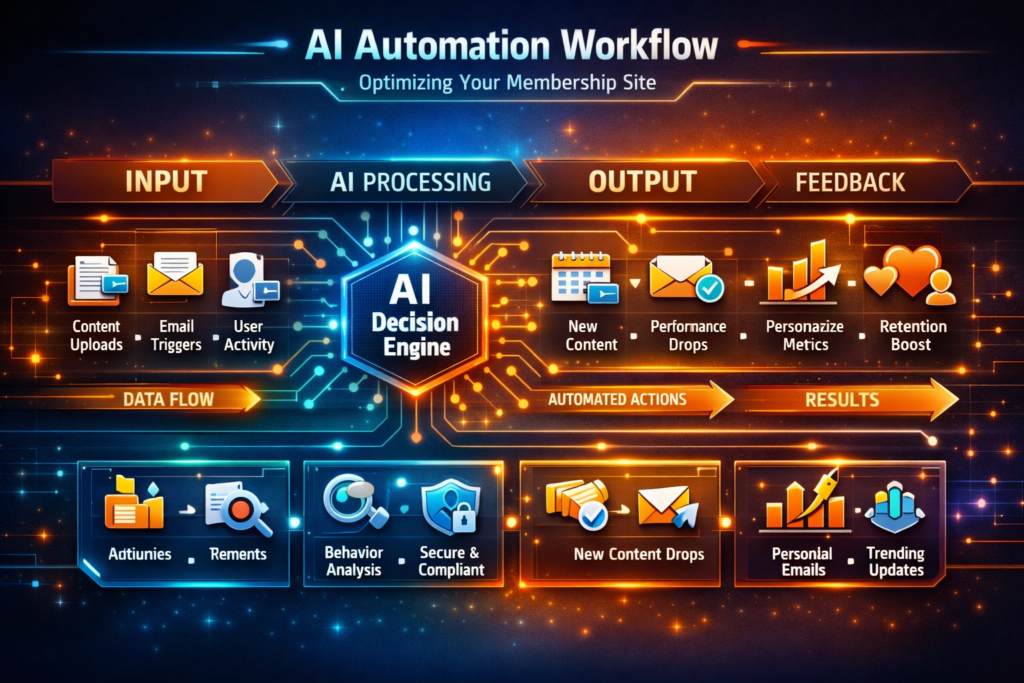
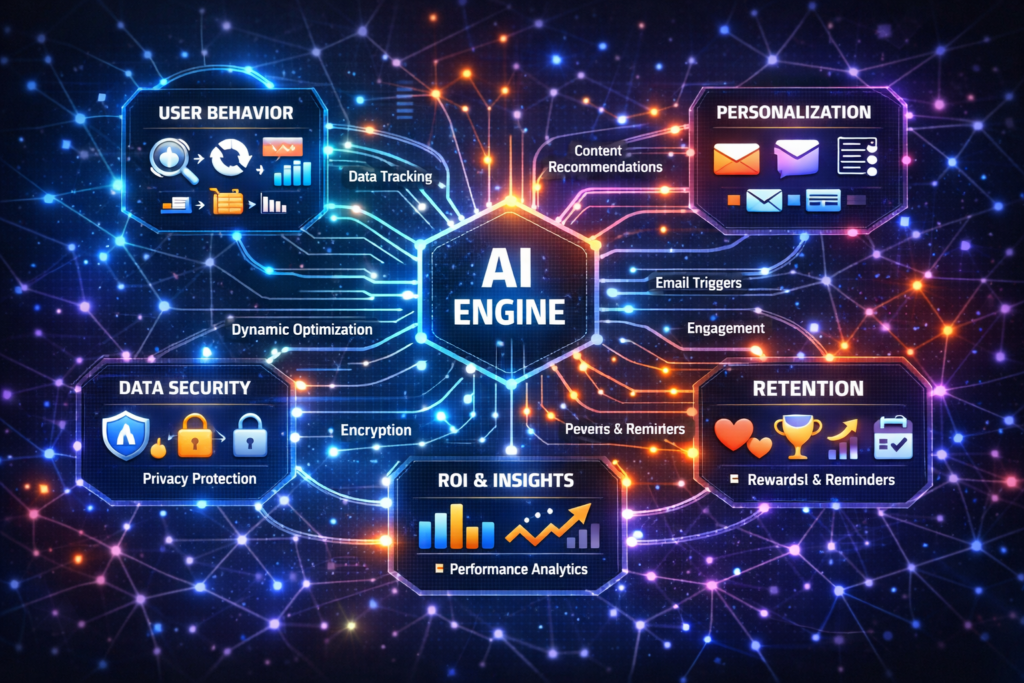
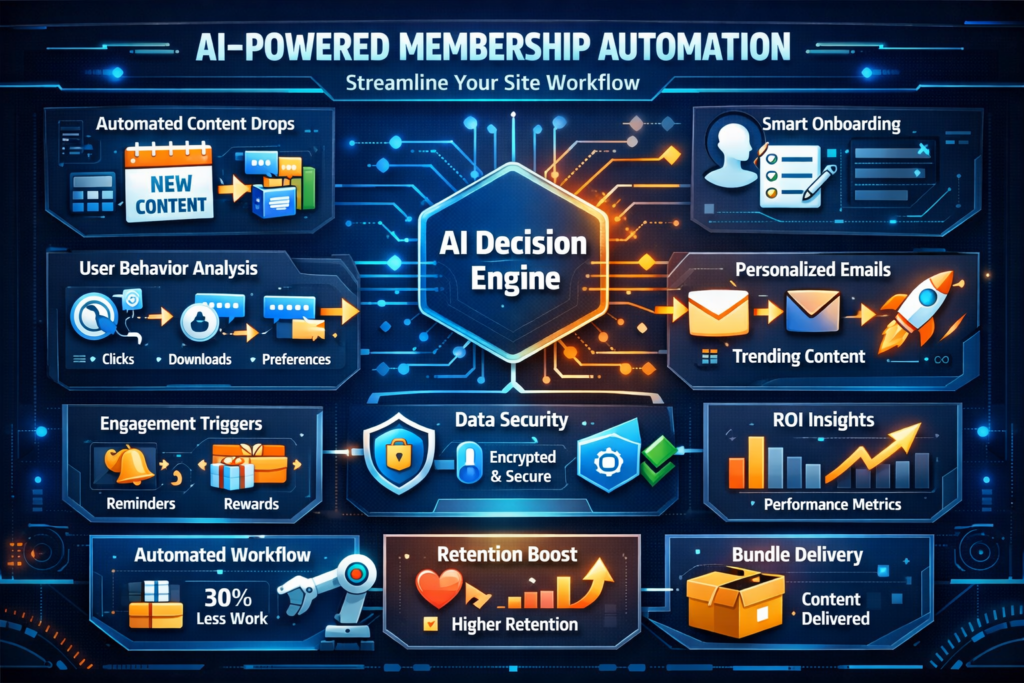
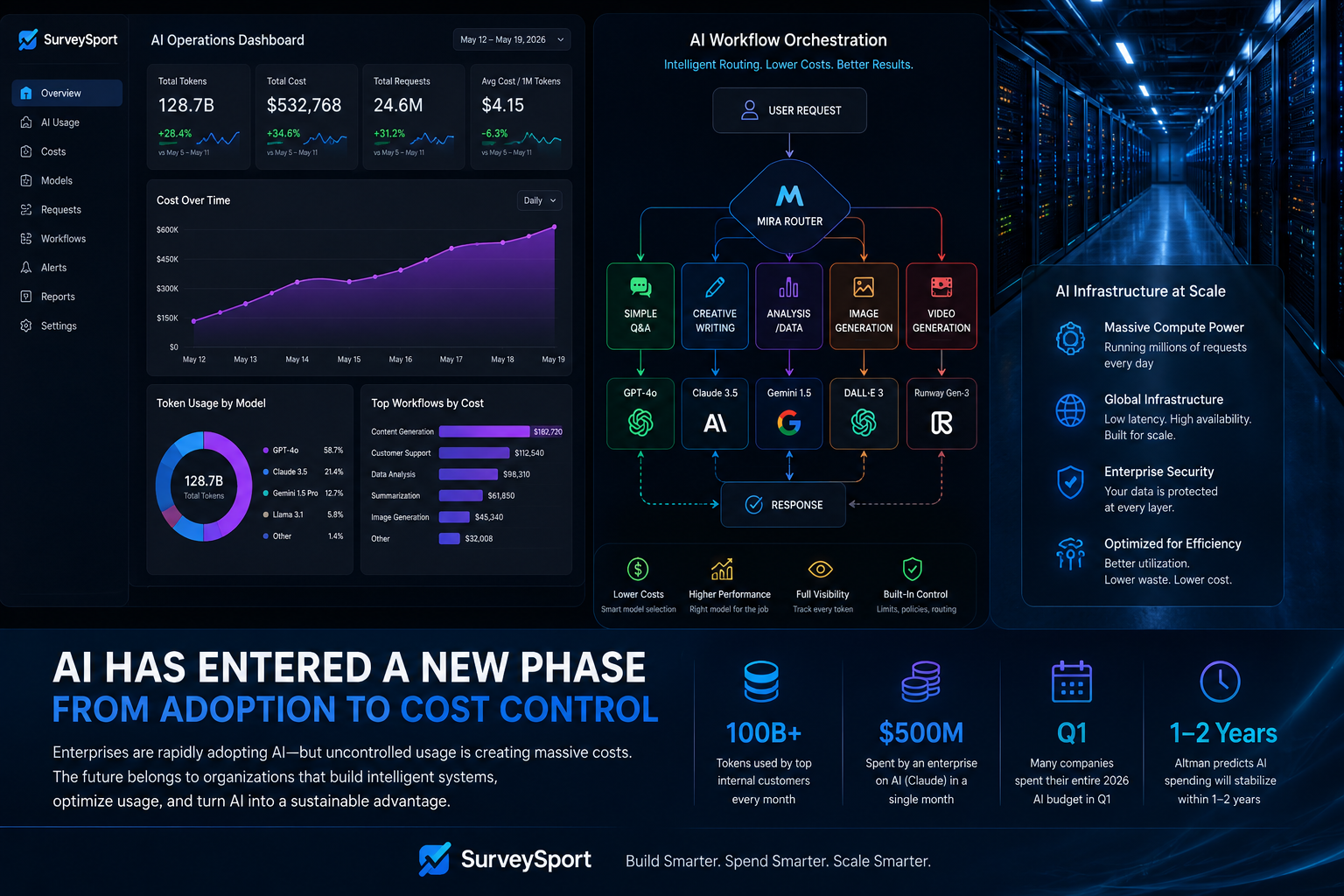 What we explained: Practical AI automation strategies tailored for membership site operations with clear workflows and business use cases.
Who it’s for: Membership site owners seeking to improve productivity, member engagement, and operational security.
Why it matters: Automation reduces manual workload, improves personalization, and supports secure business growth.
What to click: Download the free sample of a niche printable bundle for hands-on experience.
What to complete: Implement AI workflows for content delivery, member communication, and onboarding.
What result to track: Time saved on manual tasks and increases in member retention and engagement.
What we explained: Practical AI automation strategies tailored for membership site operations with clear workflows and business use cases.
Who it’s for: Membership site owners seeking to improve productivity, member engagement, and operational security.
Why it matters: Automation reduces manual workload, improves personalization, and supports secure business growth.
What to click: Download the free sample of a niche printable bundle for hands-on experience.
What to complete: Implement AI workflows for content delivery, member communication, and onboarding.
What result to track: Time saved on manual tasks and increases in member retention and engagement.